
Website and business tools for your landscaping business
Locally 360 gives landscaping and lawn care businesses a website on a design built for the trade, with booking requests, crews and dispatch, and invoices that repeat for maintenance accounts. It's $50 a month, with no minimum term.
Questions first? Email support@locally360.app. We reply within three business days.
| Price | $50 a month, the same for every owner. No minimum term. |
|---|---|
| Maintenance billing | An invoice repeats weekly, monthly, quarterly or yearly, as a draft you send. |
| Booking requests | A service, a day and a window. Yours to confirm or decline. |
| Service area | Up to 50 cities in your business profile. |
| Your first pages | From the landscaping and lawn care questionnaire, about 10 minutes. |
Landscaping designs
Each one leads with something different: plans, projects, credentials or four seasons on one account.
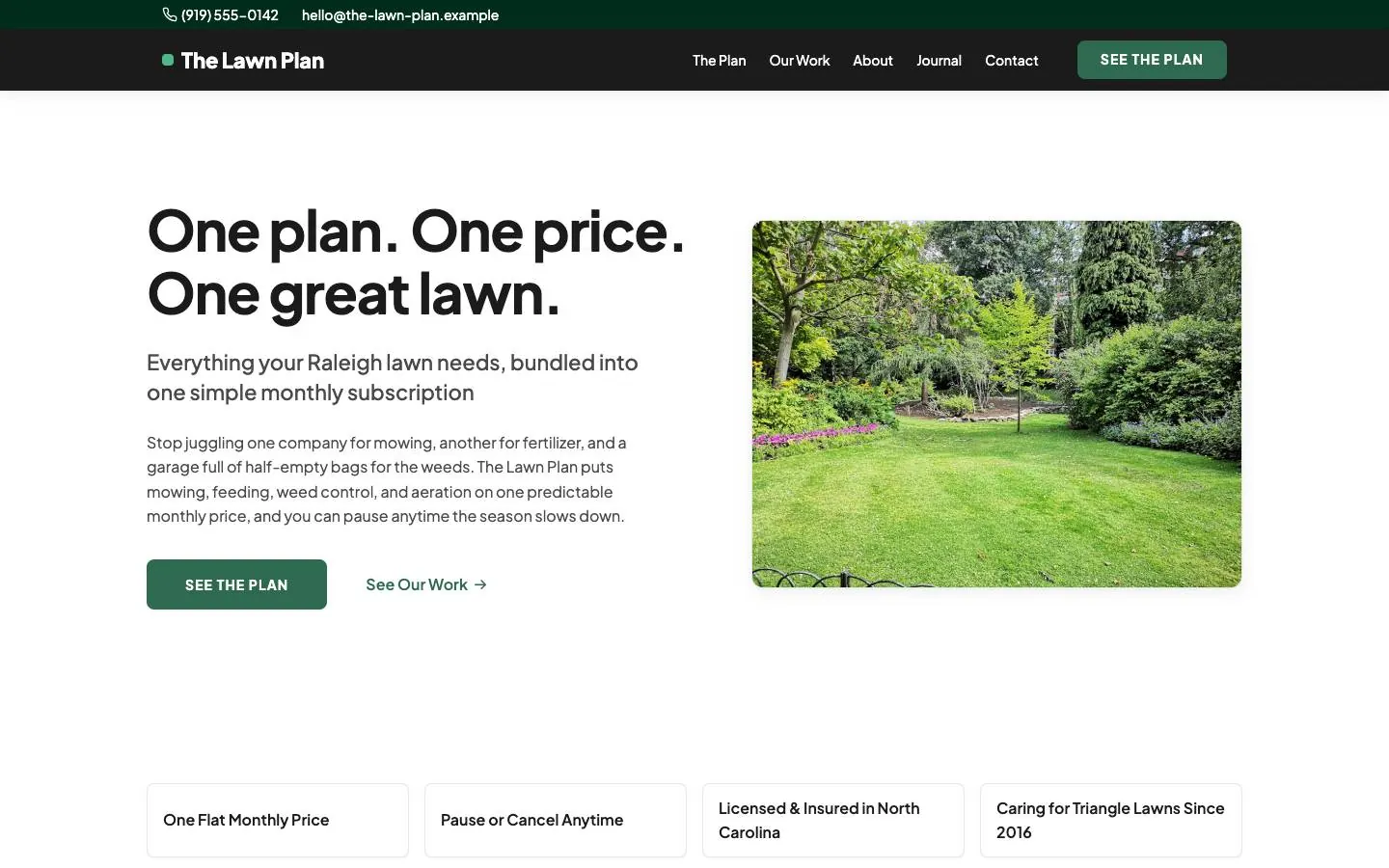
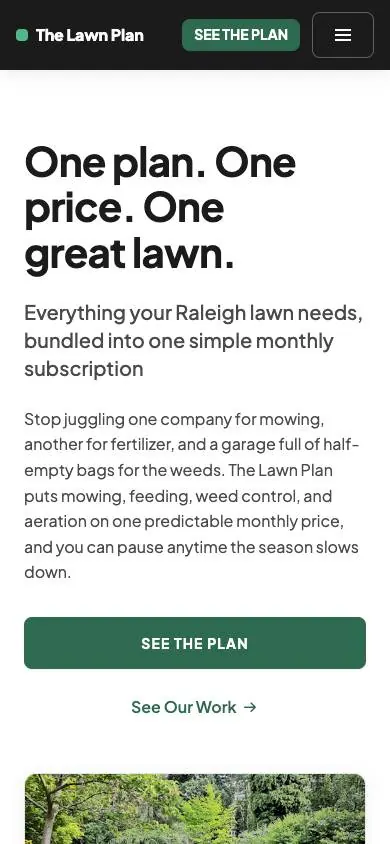
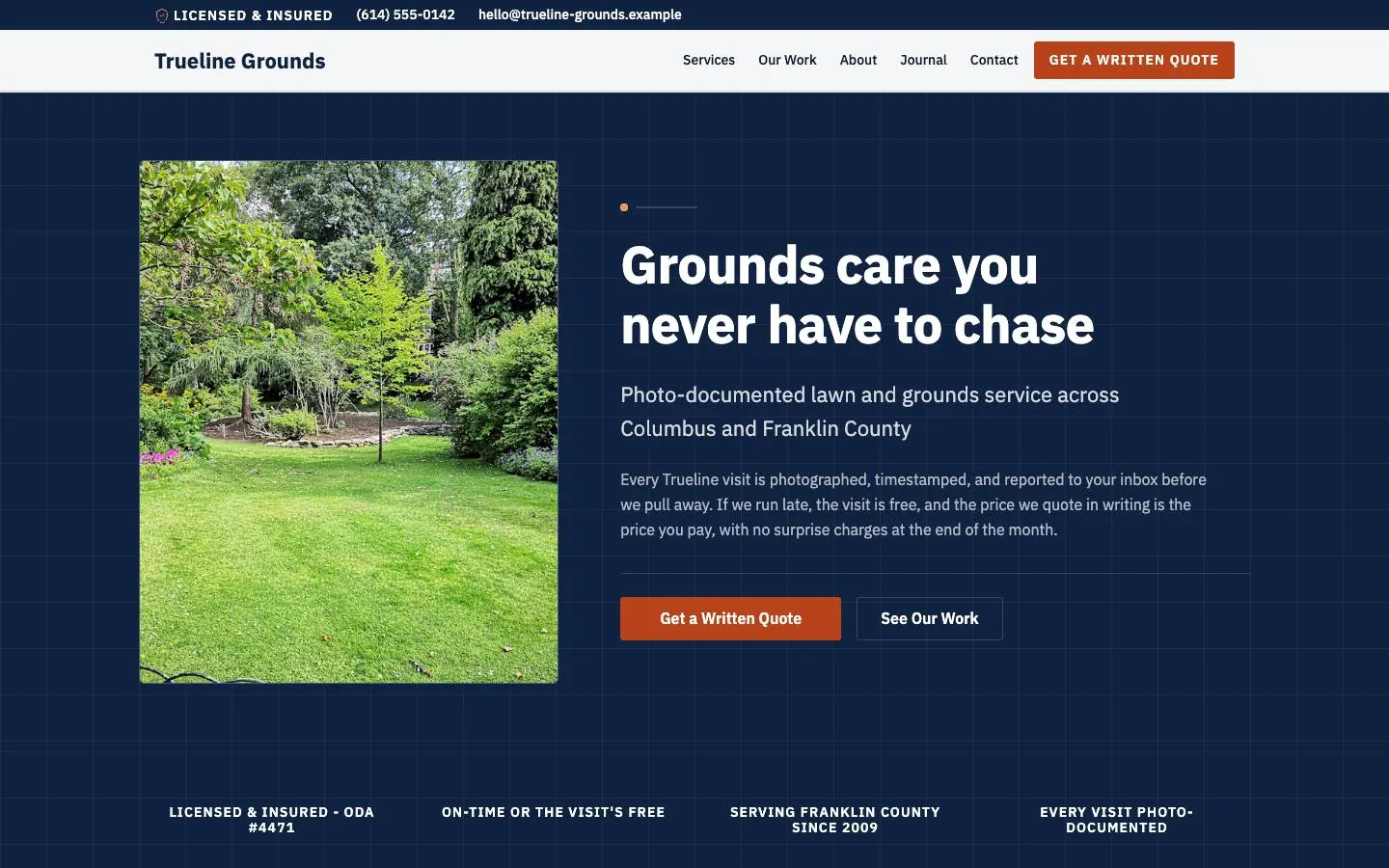
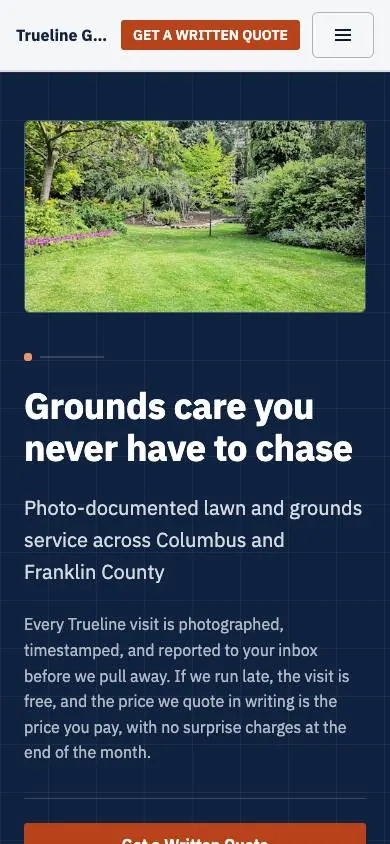
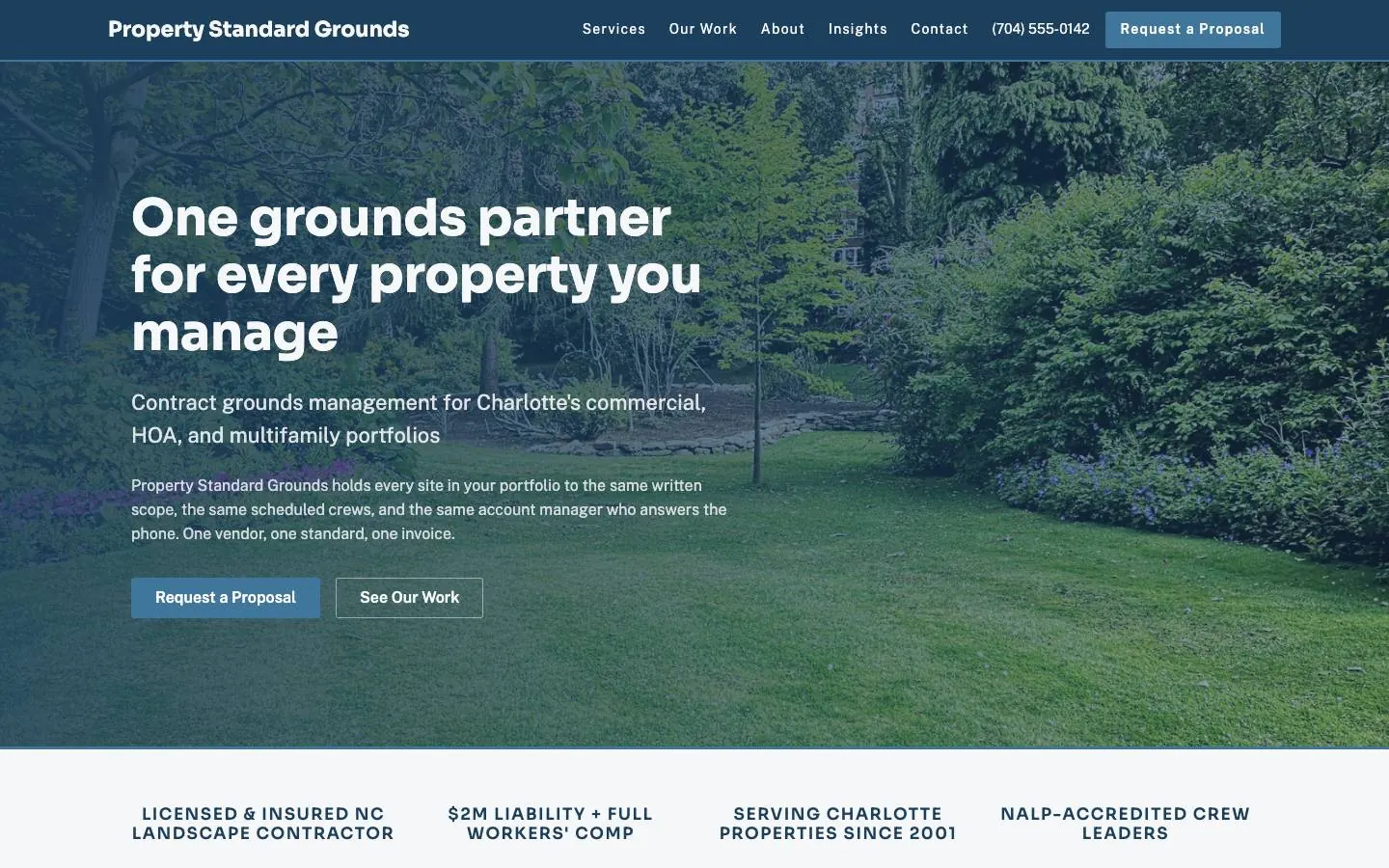
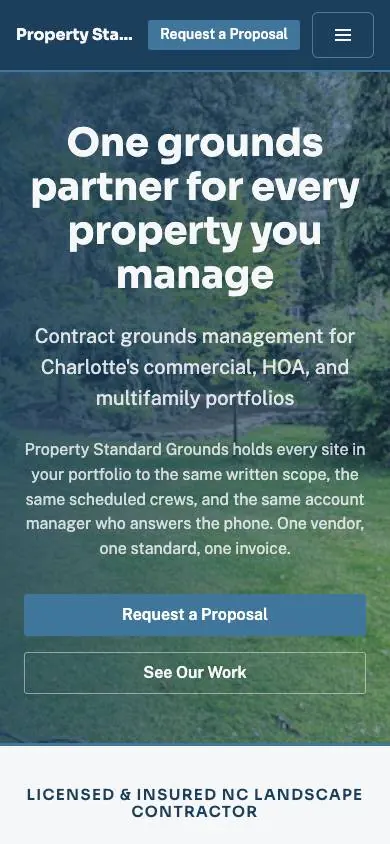
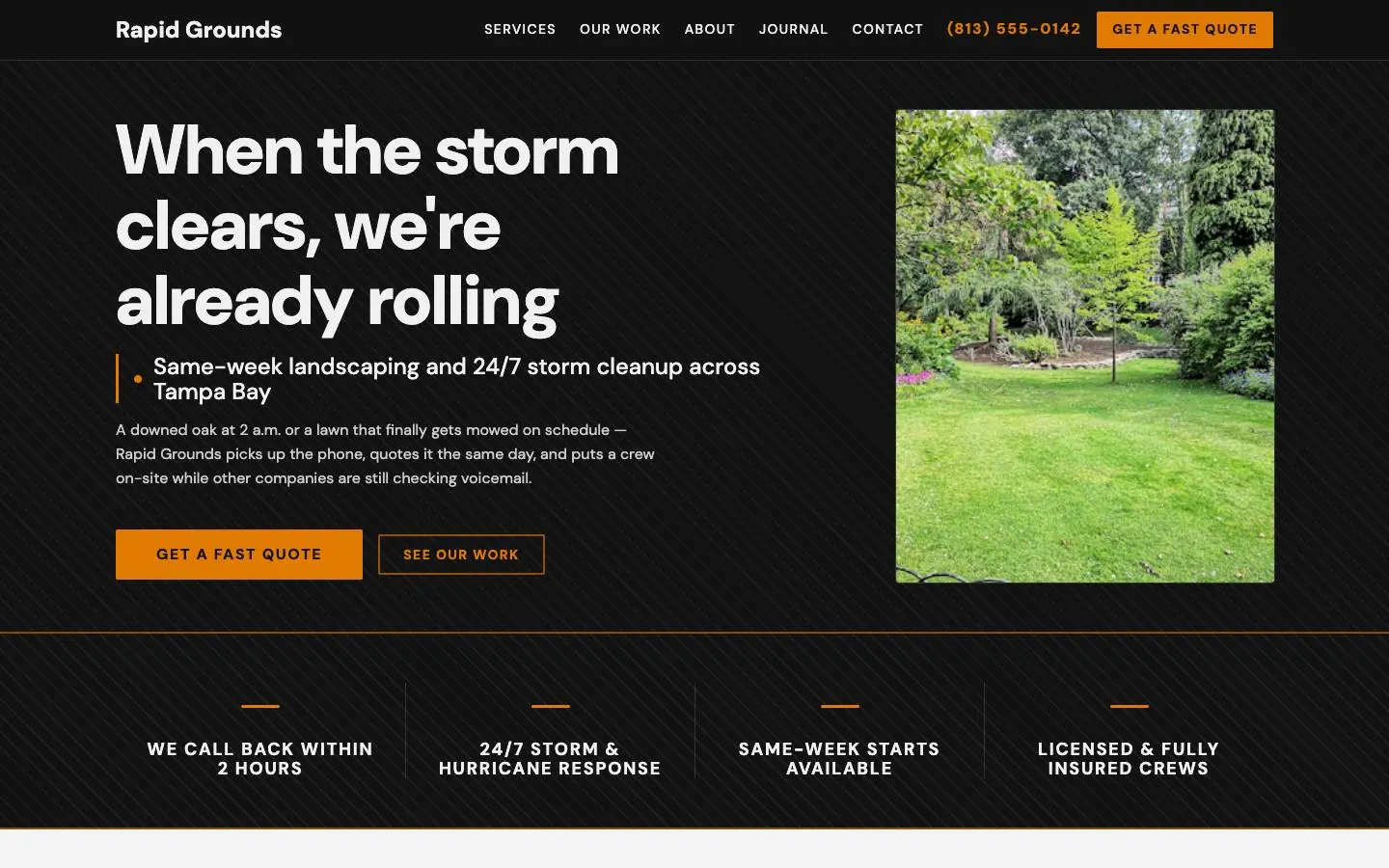
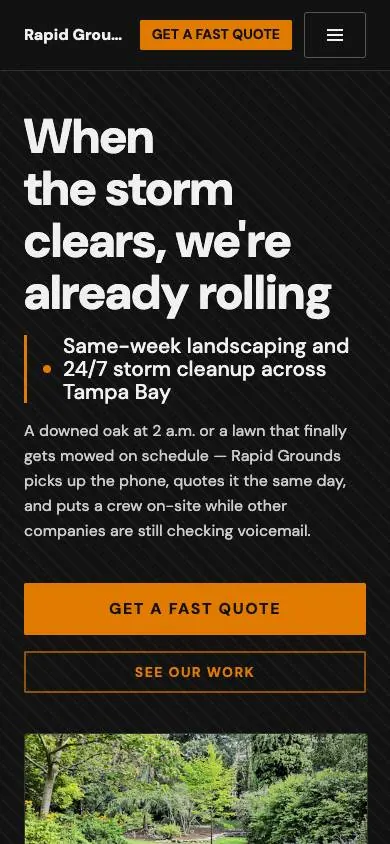
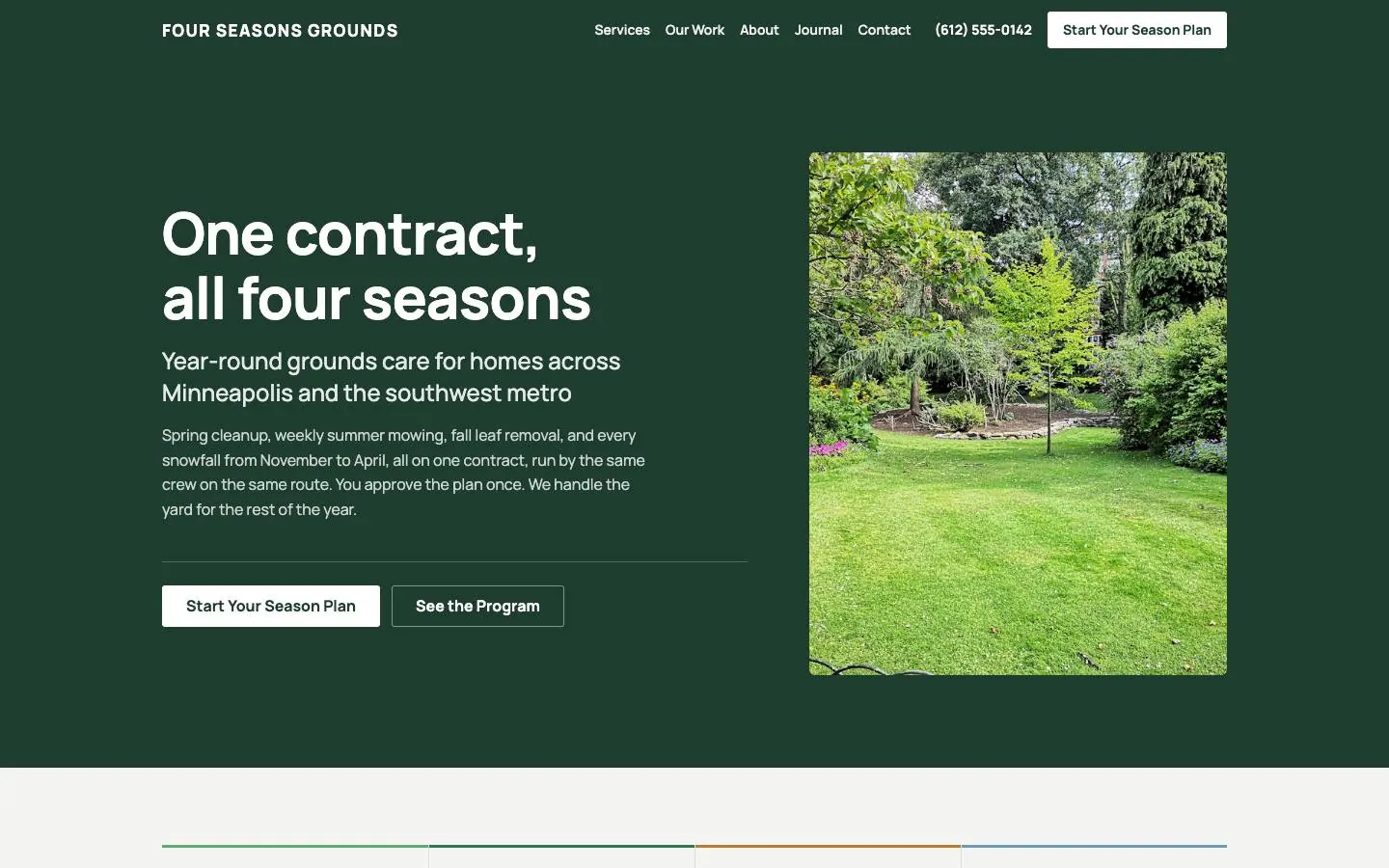
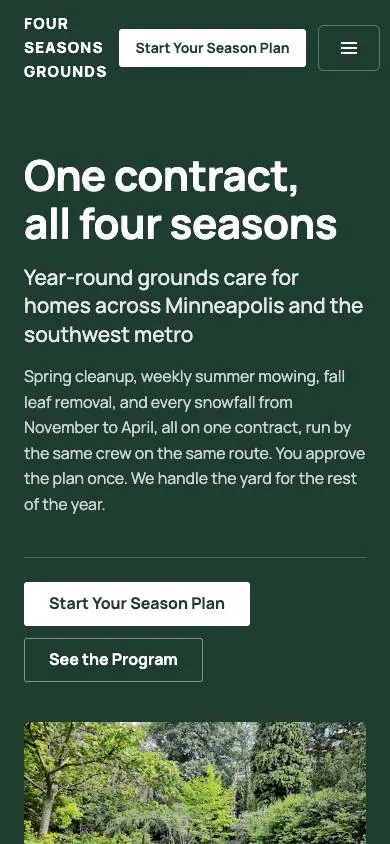
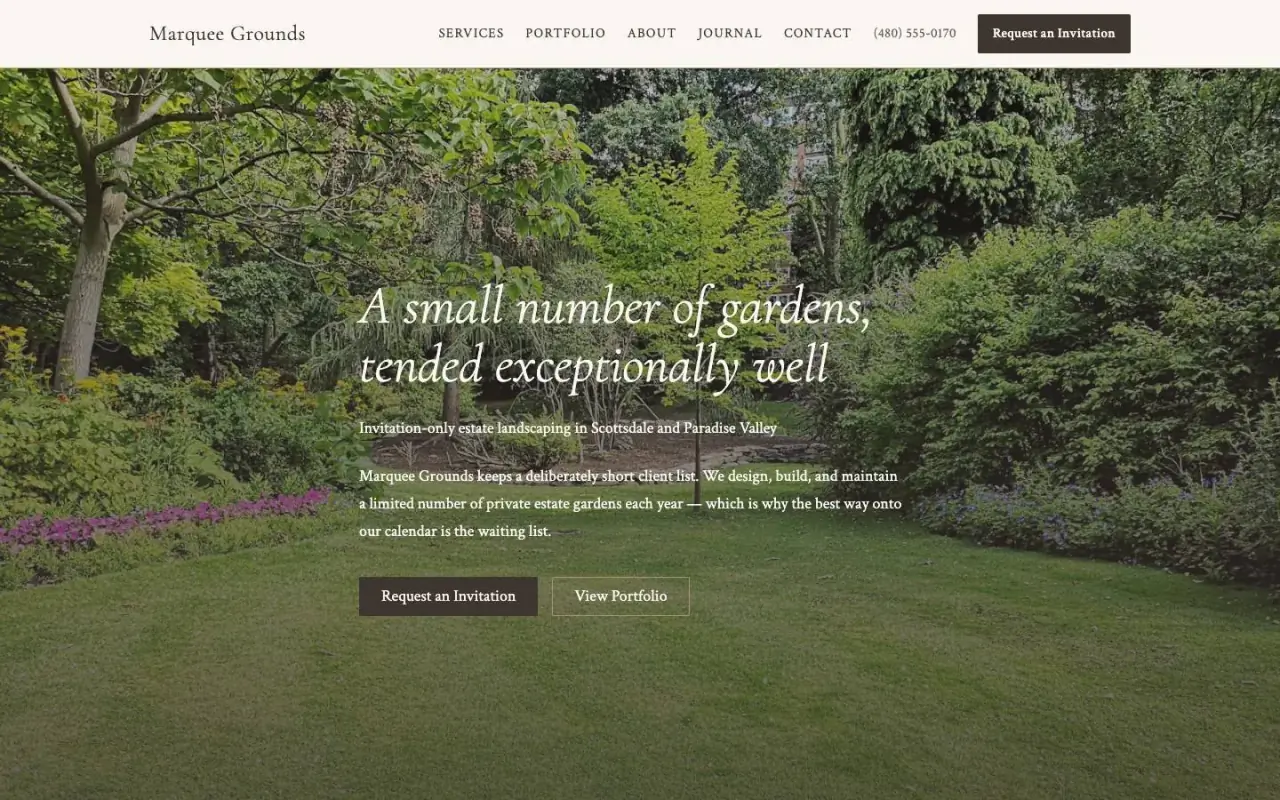

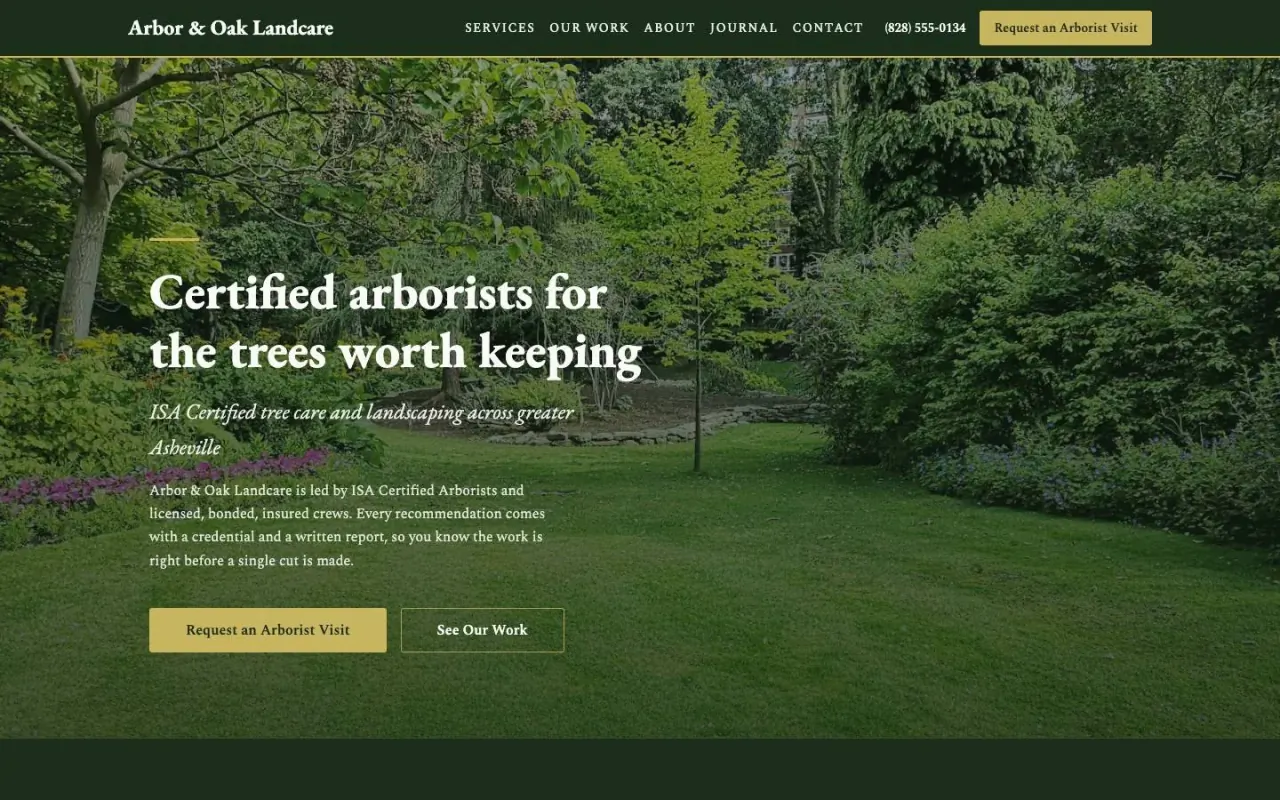
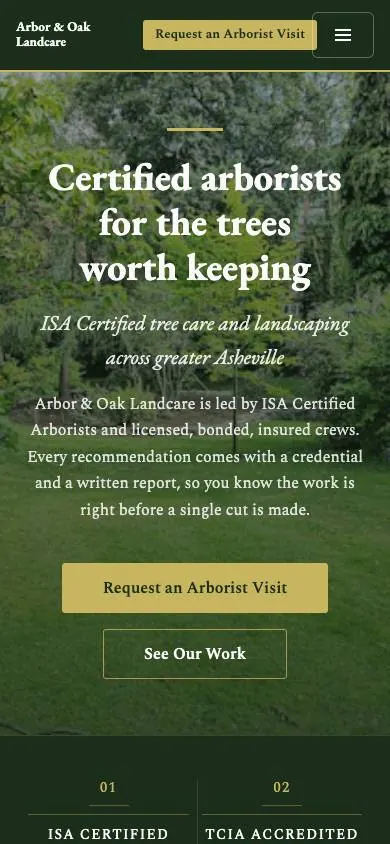
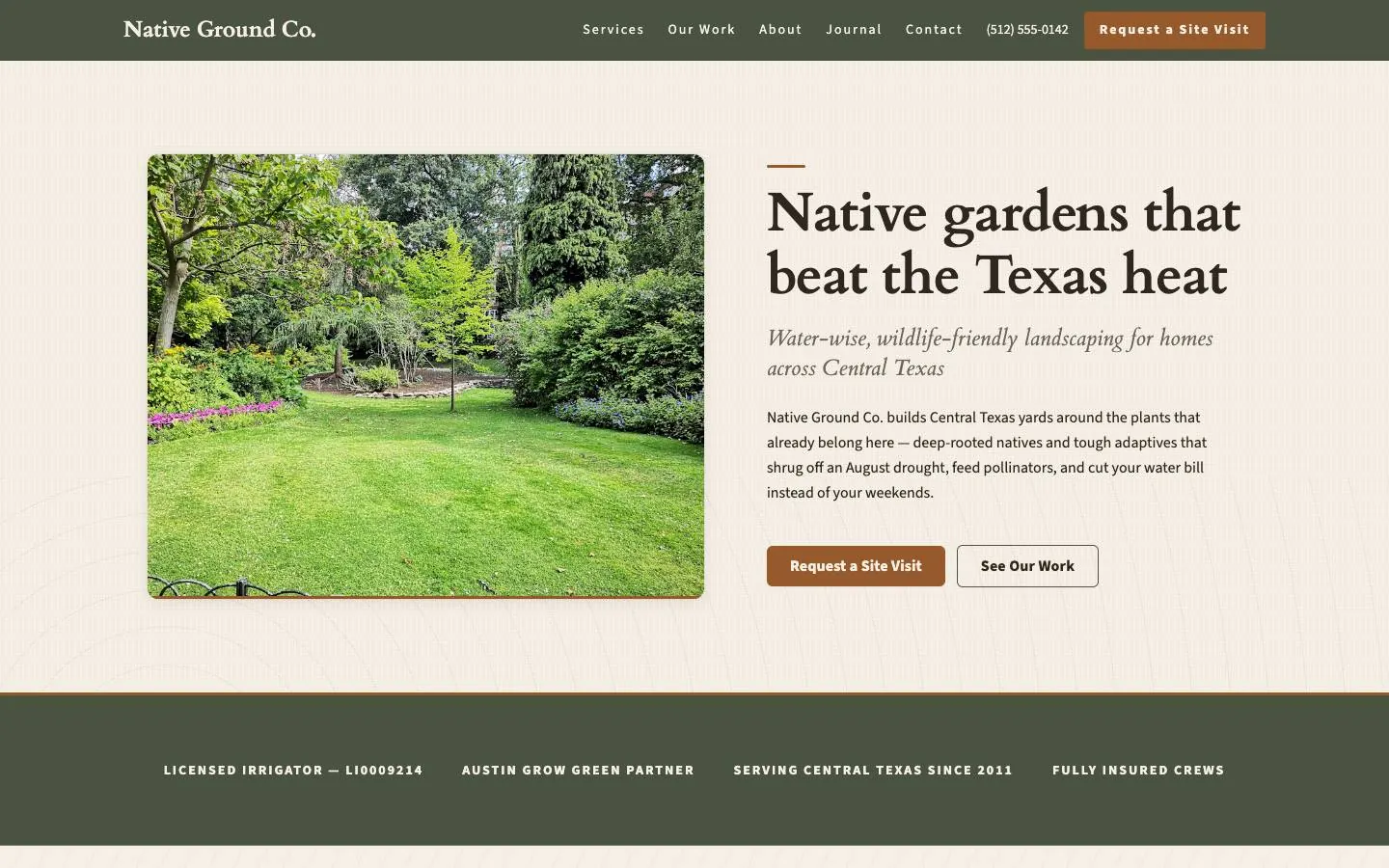
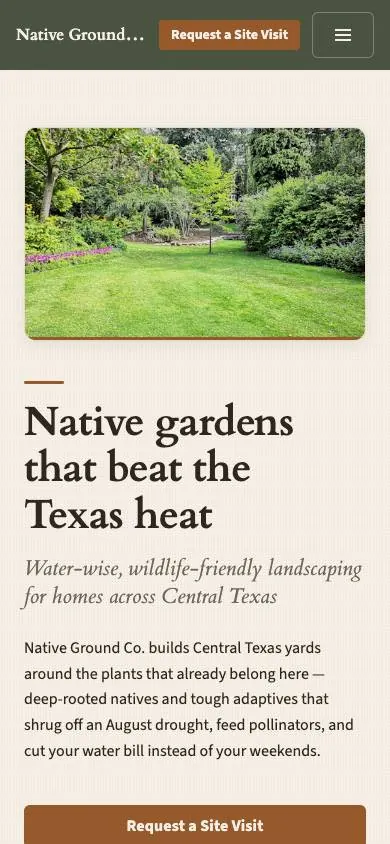
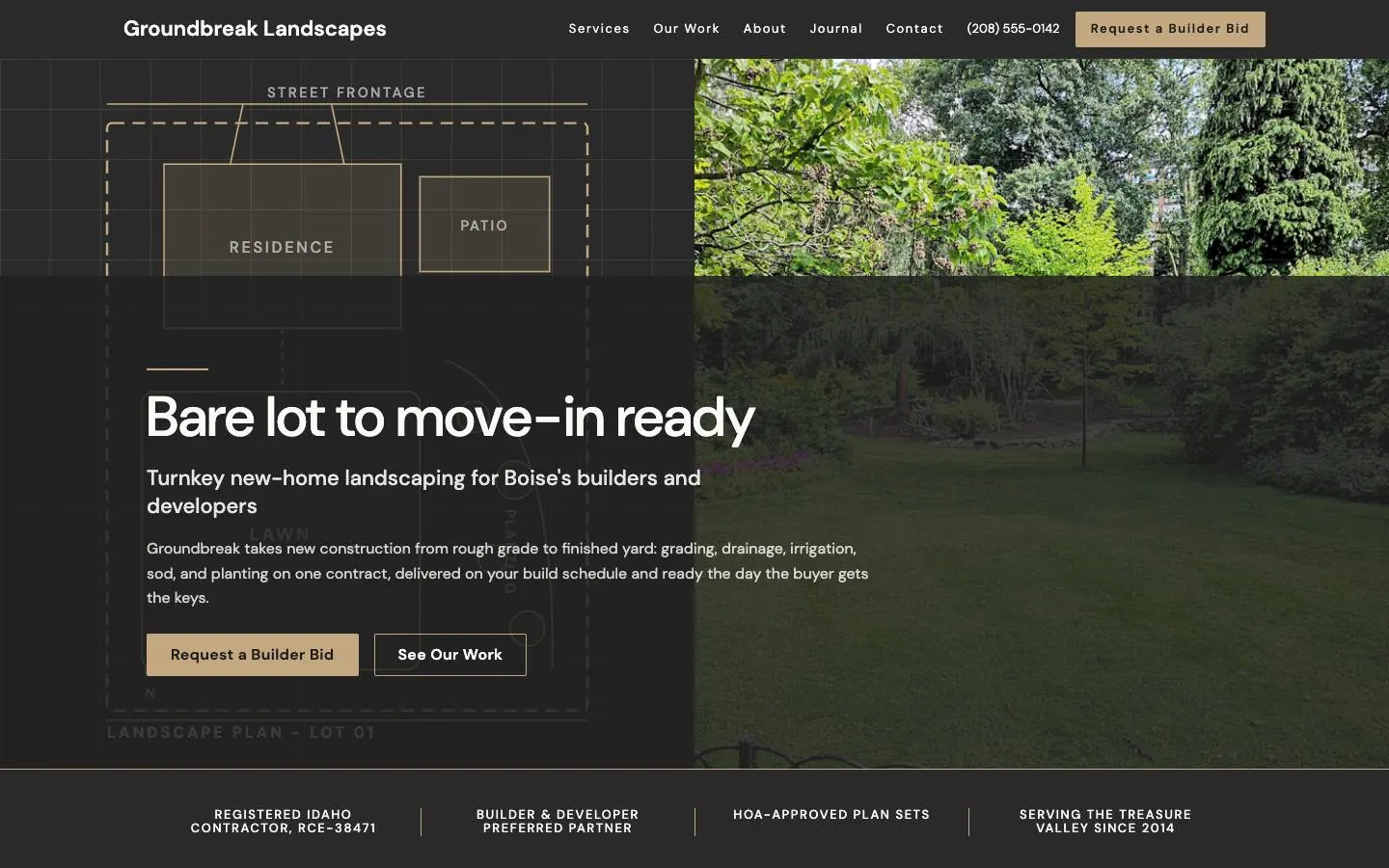
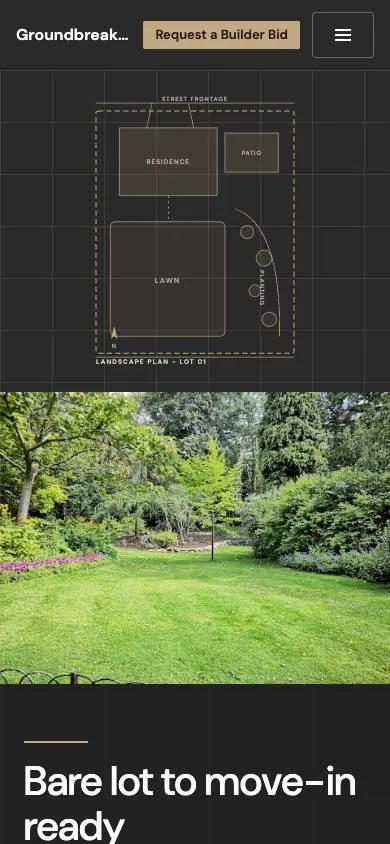
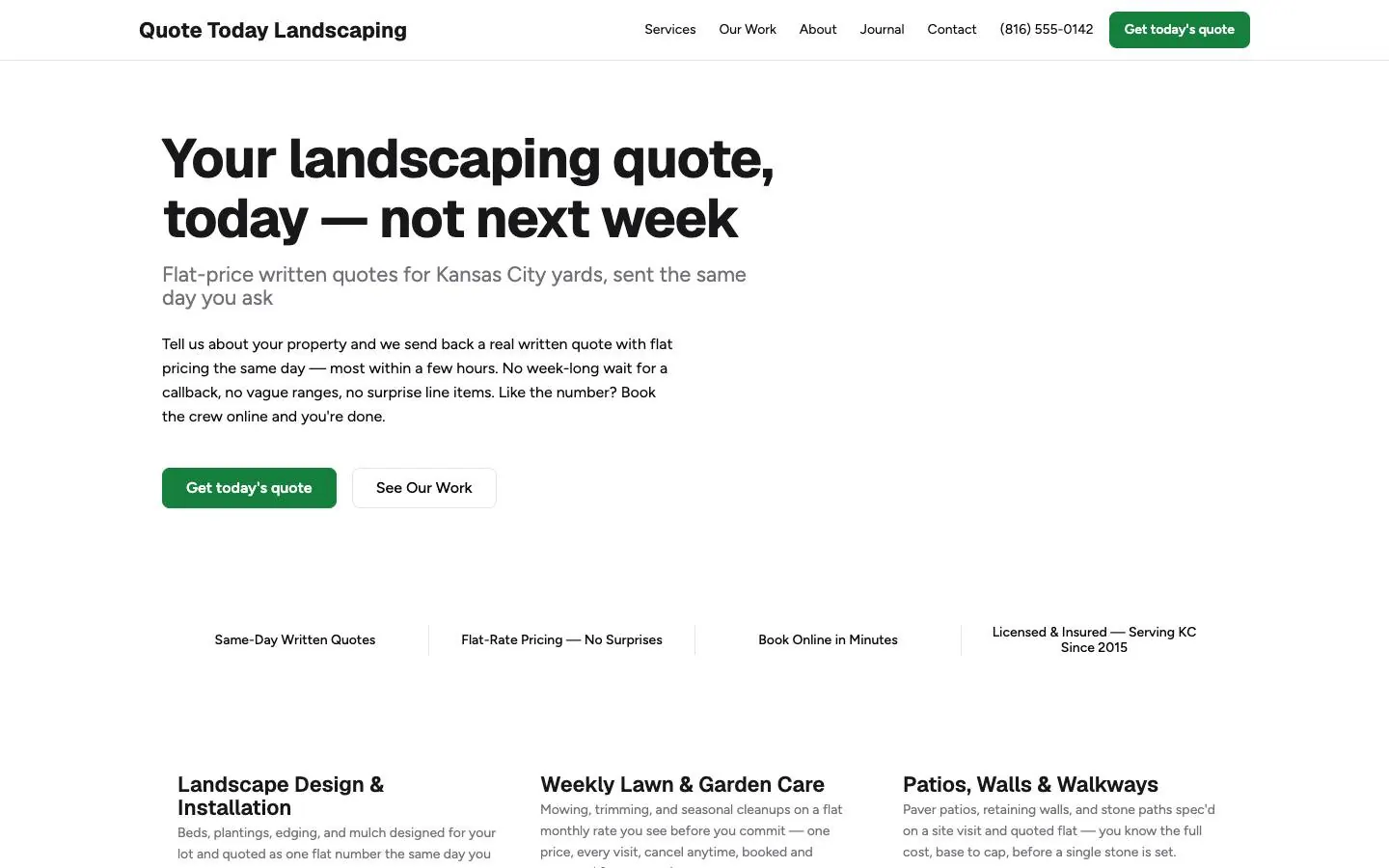

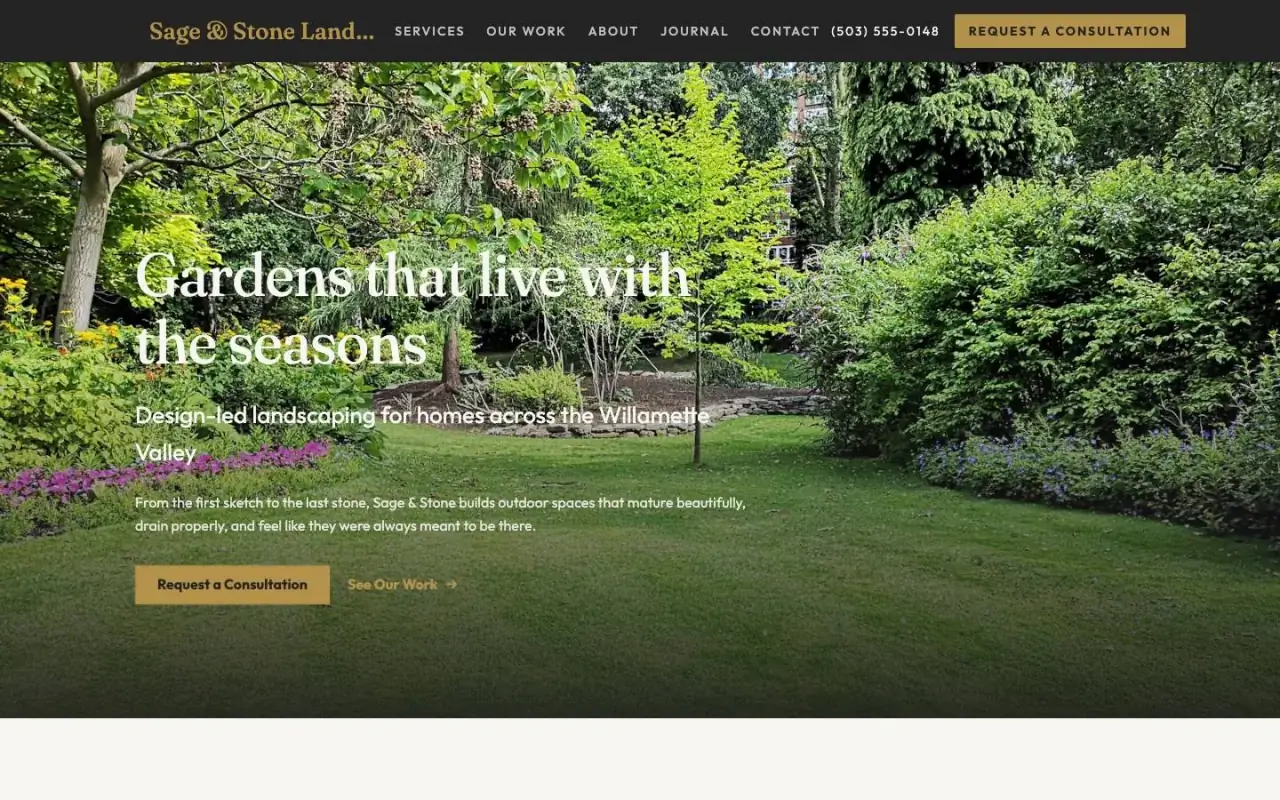
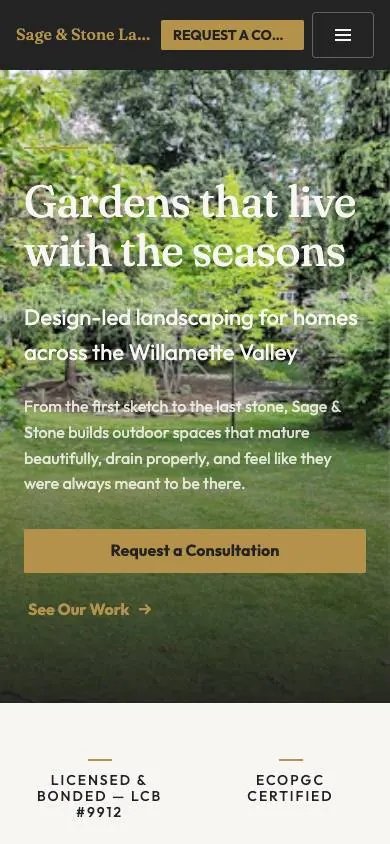
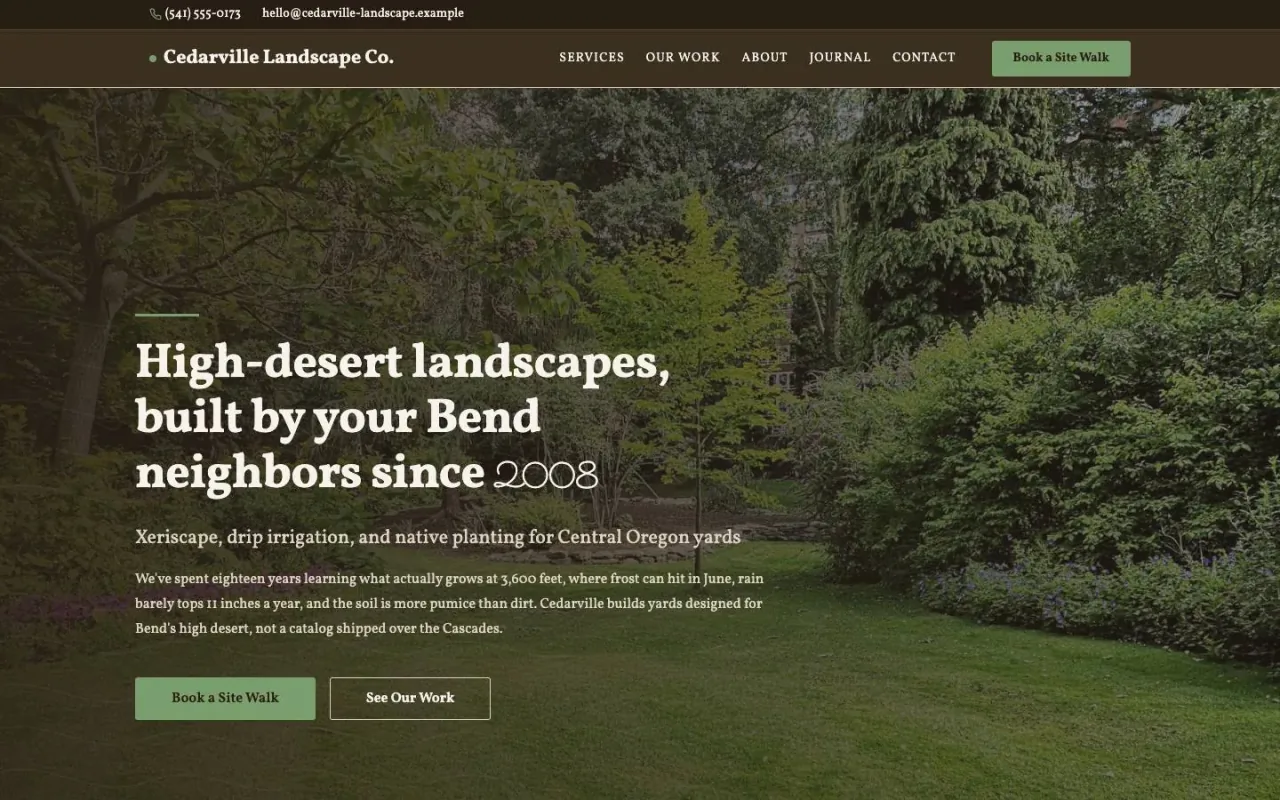

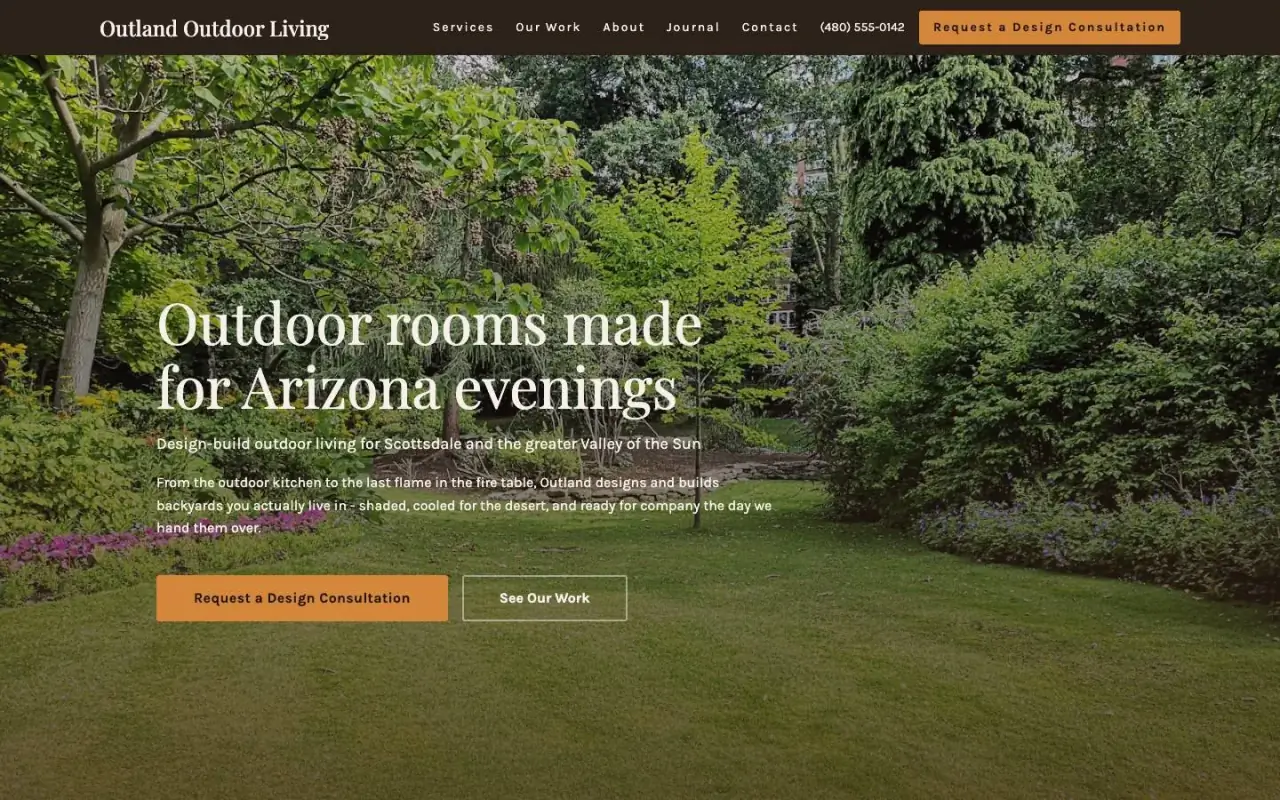
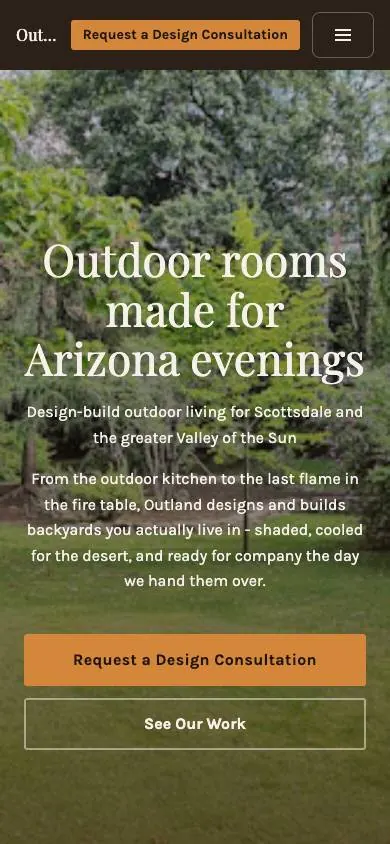
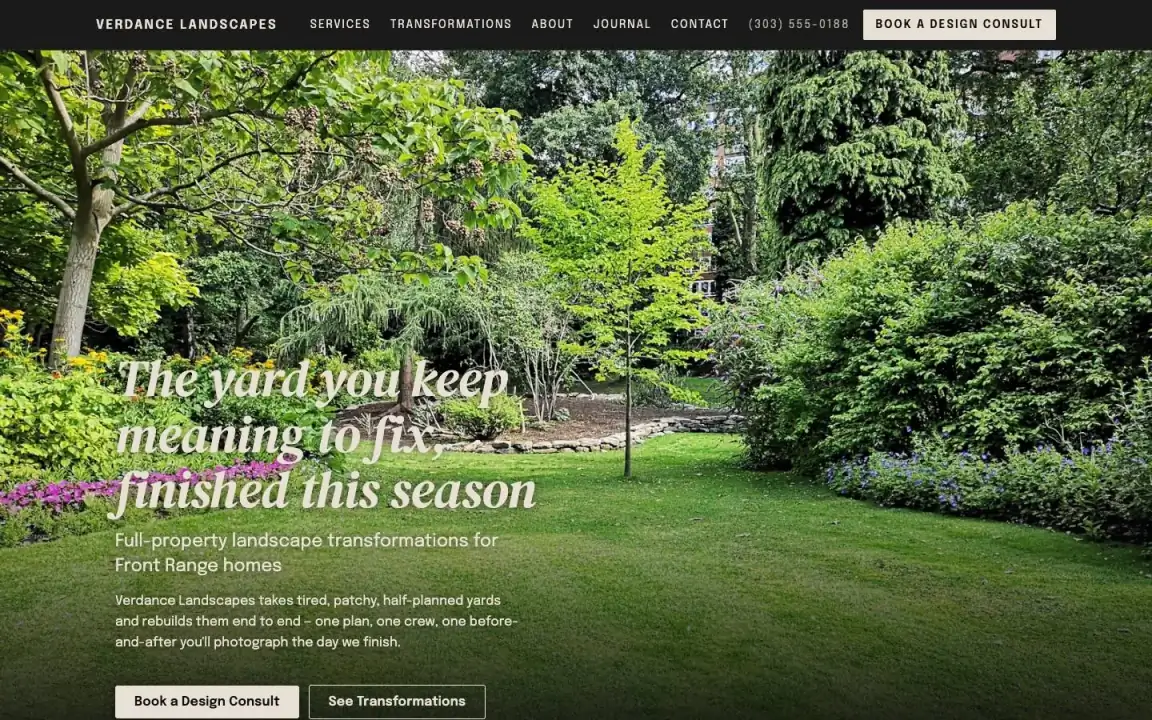



Sample sites with made-up businesses. None of them is a customer. Drag, or use the arrows.
One weekly lawn account, booked to paid
A mowing customer who books on your site and pays monthly. Every name and number is made up.
Book a visit
Service
Preferred date
Preferred window
Name
Message
Step 1. On your site they pick a service, a day and a window. It stays a request until you say yes.
Dana Whitfield
Weekly mowing and edging
Asked for: Sat Apr 11, morning
Step 2. Press Confirm request and they get an email under your business name, with a link if they need to cancel.
Weekly mowing and edging
Dana Whitfield, 2207 Oberlin Rd
Dispatch
Crew
Marcus, Tia
Step 3. Assign a crew, then mark the job as dispatched. Each crew member with an email gets the customer's name, phone, address and the job notes.
Customer name
Dana Whitfield
Repeat this invoice
Every
Due after
Step 4. Set the invoice to repeat monthly. Each month a draft arrives with the same customer and lines. You give it a number and send it. Nothing goes out on its own.
Your invoices and bookings
Lawn care, April
$240.00
Weekly mowing
Booking, Sat Apr 11
TLP-0311
Lawn care, March
Step 5. Each month they pay by card in their customer portal, and the money goes to your own Stripe account.
How your site starts
There's a setup questionnaire for landscaping, so your first pages are written from your answers.
- 1 Sign up with your name, email, phone and business name, then confirm your email.
- 2 Press Set up site and choose one of the landscaping designs. Open its design sample first if you like.
- 3 Answer the Landscaping / lawn care questionnaire, about 10 minutes, and press Build my pages. It fills in your first pages, and every answer stays editable.
- 4 Press Pay and go live, accept the agreements, and pay the $50 a month by card.
- 5 Publish, then turn on Let search engines find this site. A new site starts hidden from search.
You can switch designs until the site has pages. After launch, a design change goes through support.
Questions first? Email support@locally360.app. We reply within three business days.
What the Landscaping / lawn care questionnaire asks
About 10 minutes. Everything stays editable afterwards.
- Your business
- Business name, phone, email and address · Social profiles
- What you do
- Services you offer · Years in business · Areas you serve · Business hours
- Lawn-care specifics
- Properties you serve · Offer recurring maintenance contracts? · Licensed and insured?
Not in the $50 for your landscaping business
- A calendar or route planning. Jobs sit in columns on your Jobs board.
- Estimate or proposal documents. Requests come in through your forms, and you price them yourself.
- Deposits or partial payments on an invoice.
Also not offered: review management, Google Business Profile posting, social media, ads, email hosting, texting, backups, domain registration, or us editing your content for you.
Sections your landscaping site can carry
Every design has the same kinds of sections, each set up its own way. These are the ones lawn and landscape customers look for.
Plans and prices
Each plan with its name, price, billing period and what it covers, and one you can mark as featured.
Field in the editor
What's IncludedIn every one of the landscaping designs
Before and after
A before photo, an after photo and a caption for each pair, for a cleanup or a full redesign.
Field in the editor
Show Before / After LabelsIn The Transformation, Outdoor Living, Response First and other landscaping designs
Where you work
Each area you cover with a line about it. Living Landscape adds a picture of your territory.
Field in the editor
Territory MapIn Living Landscape
What stands behind each service
A note on every service card about the licence, insurance or warranty behind it.
Field in the editor
How this protects youIn Certified and Credentialed
Your guarantee
A heading and a few lines for any promise you make, in your own words.
Field in the editor
Guarantee nameIn every one of the landscaping designs
Questions
Anything else, email support@locally360.app. We reply within three business days.
Can I bill maintenance customers every month without redoing the invoice?
Yes. Open the invoice and use Repeat this invoice: choose Weekly, Monthly, Quarterly or Yearly, and how many days until it's due. Each one arrives as a draft with the same customer and lines. You give it a number and send it. Nothing goes out on its own.
Can customers book their mowing from my site?
Yes. They send a booking request for a service, a preferred day and a window. It stays a request until you confirm or decline it, and confirming emails them under your business name.
Can I list my lawn plans and their prices?
Yes. Every design has a pricing table: each plan's name, price, billing period and what it includes, with one marked as featured if you like. The Lawn Plan leads with them.
Can I show holiday and seasonal hours?
Yes. Your business profile has Opening Hours and Holiday and seasonal hours. Search engines read both from the structured data on your site, and some designs also print your opening hours in the footer.
Is there a schedule or route planner for my crews?
No. There's no calendar or route planning. Jobs sit on your Jobs board as Unassigned, Assigned or Dispatched, and each crew member with an email gets the job when you dispatch it.